All Activity
- Past hour
-
Here's the goal that won the points. Some strike Alfie...
- Today
-
Morgan Bates missing but defender Kerr Smith and new signing striker Miller Keir on the bench.
-
This year we have two winners to pick - Someone to receive a signed shirt from Matthew Strachan and someone else from Mitchell Robertson. All names are eligible for both draws. How it works: The names in the hat for each season are based on the members who joined the sponsorship group each year. The draw itself is conducted using a random generator website. We use Wheel of Names as most others we have used in the past no longer exist or now require a paid subscription. [https://wheelofnames.com/]. There is no option to publicly display the draw results so the video of the random picker is shown below. The draw is completely and utterly random and no-one on CTO or within ICT has any influence or control over the names that come up. This is important to note as there are people connected with the club and with CTO who have subscribed and are therefore eligible and who are not excluded from the draw. Winner - Matthew Strachan's shirt: @Hiro Winner - Mitchell Robertson's shirt: @The Fly see below for the actual draw. If anyone has any concerns or questions about this process, please feel free to PM me or mention it in the thread below. Winners - please send me through a message and confirm if it is ok for me to provide your details to the office staff @ the Stadium. Winners.mp4
-
until
Calendar not up to date? Check https://fixtur.es/up-to-date?path=inverness-ct Support Fixtur.es via Buy Me a Coffee https://buymeacoffee.com/fixtures -
until
Calendar not up to date? Check https://fixtur.es/up-to-date?path=inverness-ct Support Fixtur.es via Buy Me a Coffee https://buymeacoffee.com/fixtures -
until
Calendar not up to date? Check https://fixtur.es/up-to-date?path=inverness-ct Support Fixtur.es via Buy Me a Coffee https://buymeacoffee.com/fixtures -
until
Calendar not up to date? Check https://fixtur.es/up-to-date?path=inverness-ct Support Fixtur.es via Buy Me a Coffee https://buymeacoffee.com/fixtures -
until
Calendar not up to date? Check https://fixtur.es/up-to-date?path=inverness-ct Support Fixtur.es via Buy Me a Coffee https://buymeacoffee.com/fixtures -
until
Calendar not up to date? Check https://fixtur.es/up-to-date?path=inverness-ct Support Fixtur.es via Buy Me a Coffee https://buymeacoffee.com/fixtures -
until
Calendar not up to date? Check https://fixtur.es/up-to-date?path=inverness-ct Support Fixtur.es via Buy Me a Coffee https://buymeacoffee.com/fixtures -
until
Calendar not up to date? Check https://fixtur.es/up-to-date?path=inverness-ct Support Fixtur.es via Buy Me a Coffee https://buymeacoffee.com/fixtures -
until
Calendar not up to date? Check https://fixtur.es/up-to-date?path=inverness-ct Support Fixtur.es via Buy Me a Coffee https://buymeacoffee.com/fixtures -
until
Calendar not up to date? Check https://fixtur.es/up-to-date?path=inverness-ct Support Fixtur.es via Buy Me a Coffee https://buymeacoffee.com/fixtures -
until
Calendar not up to date? Check https://fixtur.es/up-to-date?path=inverness-ct Support Fixtur.es via Buy Me a Coffee https://buymeacoffee.com/fixtures -
until
Calendar not up to date? Check https://fixtur.es/up-to-date?path=inverness-ct Support Fixtur.es via Buy Me a Coffee https://buymeacoffee.com/fixtures -
until
Calendar not up to date? Check https://fixtur.es/up-to-date?path=inverness-ct Support Fixtur.es via Buy Me a Coffee https://buymeacoffee.com/fixtures -
until
Calendar not up to date? Check https://fixtur.es/up-to-date?path=inverness-ct Support Fixtur.es via Buy Me a Coffee https://buymeacoffee.com/fixtures -
until
Calendar not up to date? Check https://fixtur.es/up-to-date?path=inverness-ct Support Fixtur.es via Buy Me a Coffee https://buymeacoffee.com/fixtures -
until
Calendar not up to date? Check https://fixtur.es/up-to-date?path=inverness-ct Support Fixtur.es via Buy Me a Coffee https://buymeacoffee.com/fixtures -
until
Calendar not up to date? Check https://fixtur.es/up-to-date?path=inverness-ct Support Fixtur.es via Buy Me a Coffee https://buymeacoffee.com/fixtures -
until
Calendar not up to date? Check https://fixtur.es/up-to-date?path=inverness-ct Support Fixtur.es via Buy Me a Coffee https://buymeacoffee.com/fixtures -
until
Calendar not up to date? Check https://fixtur.es/up-to-date?path=inverness-ct Support Fixtur.es via Buy Me a Coffee https://buymeacoffee.com/fixtures -
until
Calendar not up to date? Check https://fixtur.es/up-to-date?path=inverness-ct Support Fixtur.es via Buy Me a Coffee https://buymeacoffee.com/fixtures -
until
Calendar not up to date? Check https://fixtur.es/up-to-date?path=inverness-ct Support Fixtur.es via Buy Me a Coffee https://buymeacoffee.com/fixtures -
until
Calendar not up to date? Check https://fixtur.es/up-to-date?path=inverness-ct Support Fixtur.es via Buy Me a Coffee https://buymeacoffee.com/fixtures




Articles
-
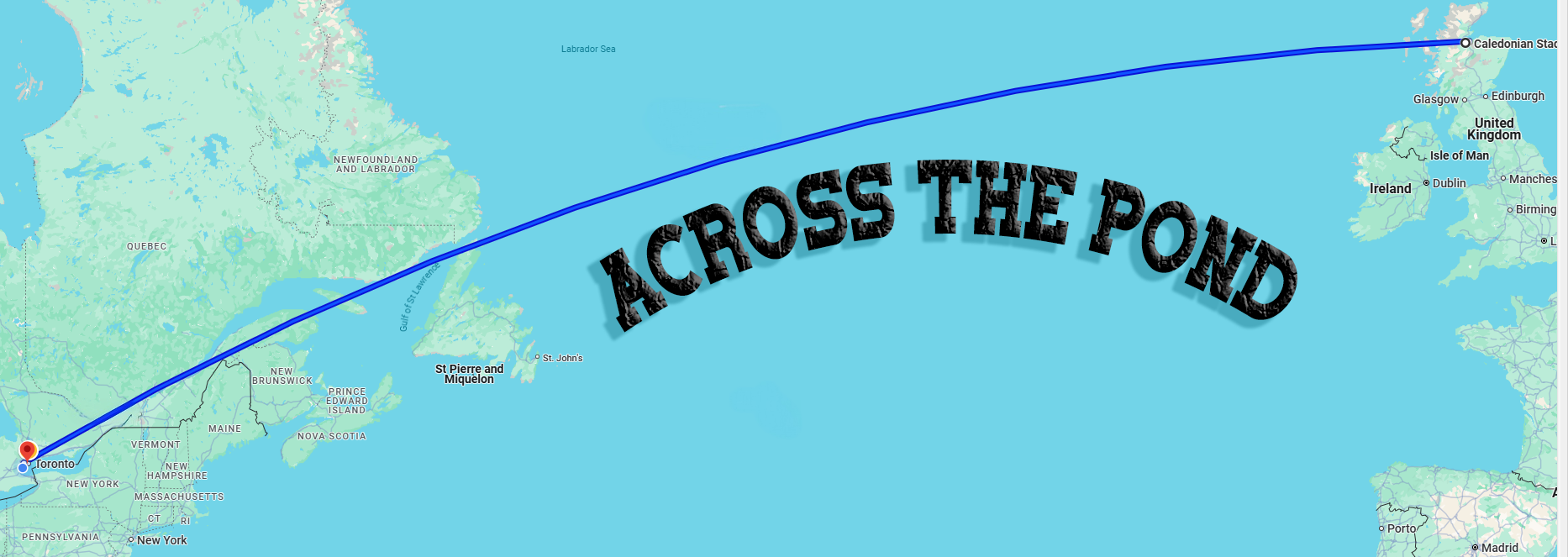
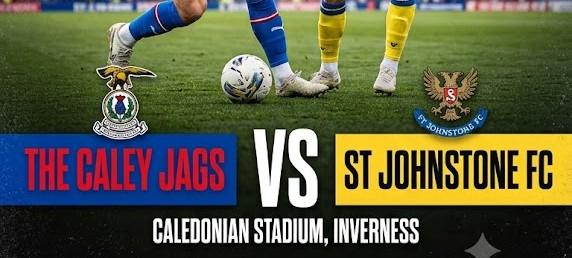
Biggest Test So Far for Cashless Caley Jags Without doubt, this is our sternest test of the new season as St Johnstone come North on Tuesday night for a 7:45 kick-off at the Caledonian SarensPSG Stadium with the teams occupying the top two places in League Cup Group F. East Fife host The Rose on Tuesday night with both teams having already defeated an out of sorts Morton who are pointless after three games. The group stages conclude on Saturday afternoon with Morton at home to the Caley Jags an
-
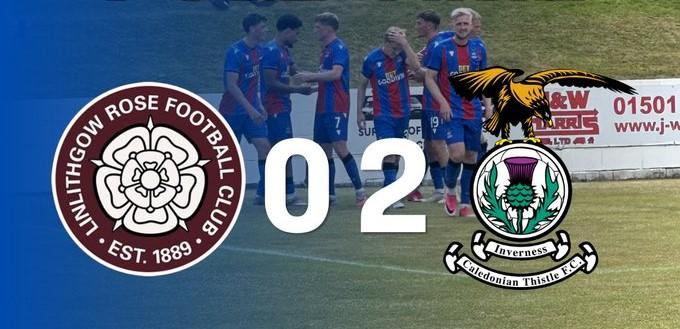
League Cup Group F A visit to the Rose on League Cup action saw the Caley Jags run out comfortable winners with Rose keeper Cammy Binnie in outstanding form to keep the visitors goal tally down. We did strike twice in the first half through Ryan Duncan and full back Noa Boutin. The stats will show that Binnie made nine saves which is a great effort and it also shows that the Caley Jags got eleven shots on target from fifteen attempts and an incredible thirteen corners! Inverness are at home to
-
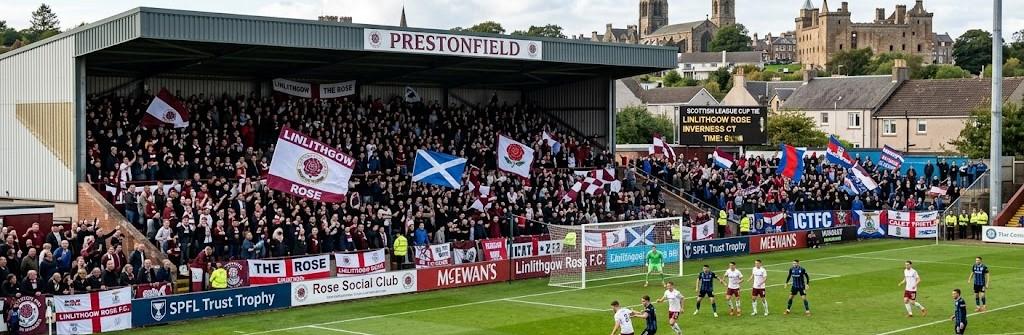
Jags at the Rose It's the second League Cup fixture for the Caley Jags as they travel to Prestonfield to take on Lowland League East side Linlithgow Rose. Rose got off to a winning start in group F as they beat Morton 1-0 in their opening fixture as we struggled to a 1-1 draw with League1 East Fife. On Tuesday night Rose lost 0-2 against Premiership St Johnstone with a Caley Jags XI playing out a friendly at Strathspey Thistle and bagging six goals. Morton made our draw with East Fife look like
-
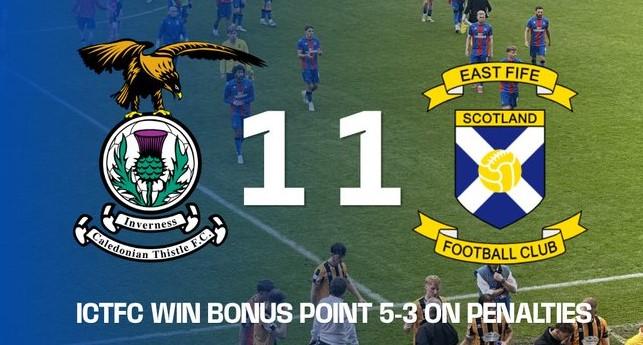
Desperate Stuff A dreadful game where we shared a goal apiece with almost relegated East Fife. We prevailed in the penalty shoot-out to earn the bonus point but the performance was not what was expected. I know I know it is usually a competition we use to fine tune our squad but we are a far cry from the finished article going by that performance. An absolutely honking performance mostly played at pre-season pace. The one bit of quality got us level in time added on, from a neat finish into the
-
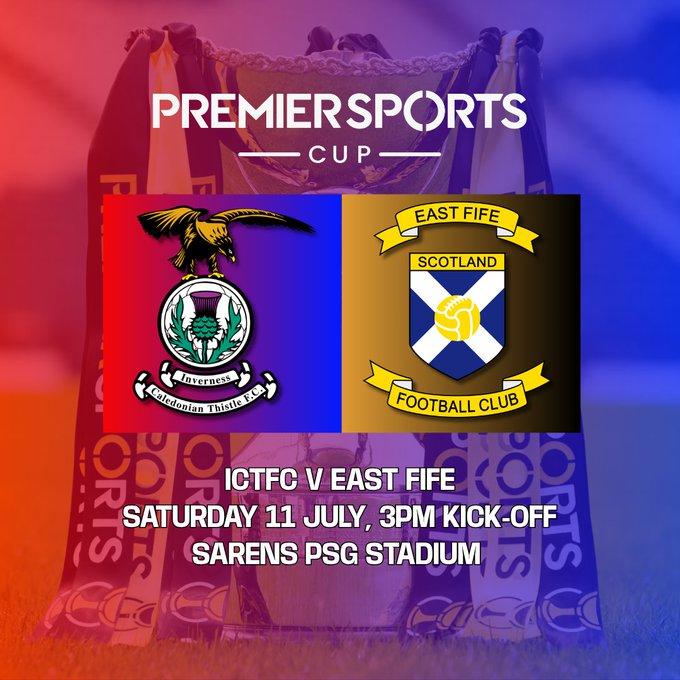
League Cup - Season Opener The 2026/2027 competitive season kicks off with a home fixture in the Premier Sports Cup, group F. It's not an event we have put all our eggs in the one basket over the last few seasons but I'm sure we will give it a go. Group F consists of the Caley Jags along with Premiership St Johnstone, Championship Morton, League1 East Fife and Linlithgow Rose from the fifth tier in the Lowland League East. East Fife managed to avoid relegation from League1 last season including
Blog Entries
-
- 0 Comments
- 12,161 Views
-
- 0 Comments
- 12,779 Views
-
- 0 Comments
- 12,798 Views
-
- 0 Comments
- 12,751 Views
-
- 0 Comments
- 20,838 Views