



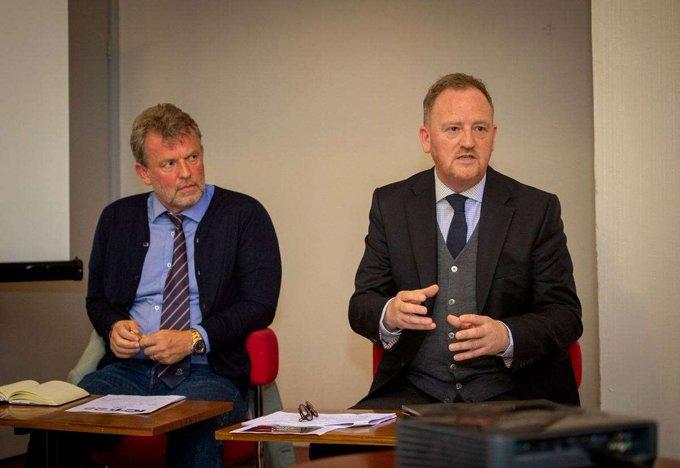

Scot Gardiner has Resigned
The Inverness Courier have revealed that Scot Gardiner has resigned as CEO of Inverness Caledonian Thistle, but remains at the club to work his notice and try to resolve issues after the clubs relegation.
Maybe we can now move forward together as a club.
Massive news coming out of the club (Inverness Courier) this morning.
BREAKING: Scot Gardiner resigns from Caley Thistle but remains with the club for now https://t.co/SIpGvJ8YPk
— Inverness Courier (@InvCourier) June 6, 2024
More to follow>>>
Sandy Sutherland from the Wyness Shuffle posting on X: The damage done to the clubs reputation, finances, fanbase, community efforts, relationships within the town, recruitment and league status has all been pushed to the very edge and so much of that is on him. He should never be allowed into football again
Achfary on CTO summarises thus: I'm surprised by posts saying 'fans/trust got what they wanted'. Over the last seven years, Graham Rae, Ross Morrison, Yvonne Crook, Scot Gardiner, Battery Farm rejection, Concert Company Ltd liquidation, Statkraft withdrawal, Kelty cancellation, Company House accounts overdue, Billy Dodds, John Robertson, Duncan Ferguson...and Ryan Christie having to buy footballs, it's the fans who get the bill because they expressed outrage alongside Duncan Shearer, Ryan Christie, Alan Savage, Roy MacGregor, Richard Gordon, Tom English, etc.? Don't distract from all that just because of a contrastive expression!
ICT Supporters Trust statement: CLICK HERE
 Now more than ever does the club need everyone to stick together to move the club forward.
If you are not already a member, joining the Trust is easy. CLICK HERE
Membership is only £5 (£1 for Under 16s).
Remember, the Trust is independent of the club, and has worked hard to ensure that the concerns of fans are heard and addressed. We have made good progress this season, and are grateful for everyone who has attended the successful Fans Meetings or contacted us with issues they wished us to raise.
We will continue to work on behalf of our members.
Recommended Comments
Create an account or sign in to comment