



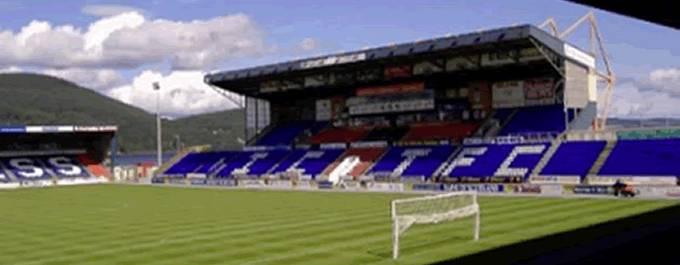

New Manager Required, apply within.
Richie Foran has left his position as Inverness manager after a disastrous season which has seen the club relegated. We almost escaped automatic relegation but missed out on the play-off position by just one point. We looked doomed around Xmas time, but a lack of activity from the board led to Foran remaining in his job until it was too late to avoid relegation.
It was almost a year to the day that Foran was appointed in a blaze of optimism that a playing legend would be able to carry his winning style into the managers chair. It was a mainly popular appointment with most willing him to succeed and the rest wary of the pitfalls of handing a four year contract to an untried candidate.
The season saw Inverness slump badly with only seven wins, three of them coming in the last four games. Many fans felt our squad was good enough to remain in the Premiership, but results speak for themselves and we enter the Championship for next season.
Sadly, it has ended in this statement from the board today.
The Board of Inverness Caledonian Thistle FC announces, today, that Richie Foran has left his position as Manager of the Club.
Willie Finlayson, Chairman, commented: “Richie has been a great servant to ICTFC and put 100% into his job as Manager; and previously as a player. We all thank him for his service and wish him and his family all the very best for the future.”
More to follow as this story unfolds.
Edited by tm4tj
Recommended Comments
Create an account or sign in to comment