



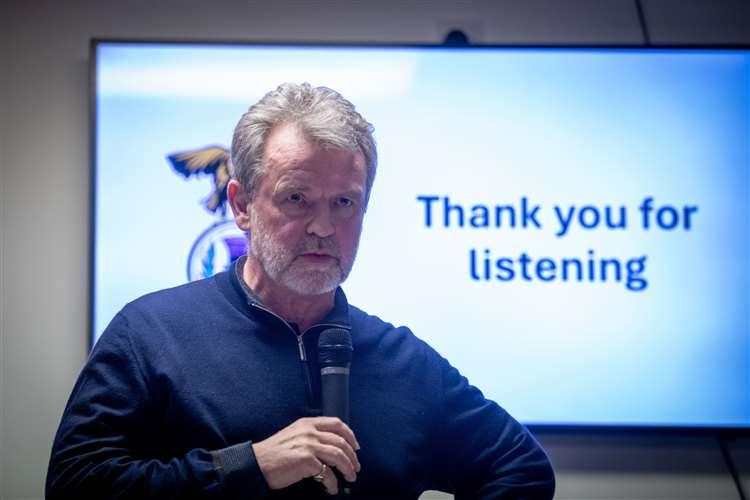

Chairman Ross Morrison resigns
Nothing official from the club as we speak, but the Inverness Courier are running with a story that Ross Morrison has resigned at 18:00 tonight 3rd June. More to come as this story develops, but most fans are looking for more heads to roll.
Speaking exclusively to The Inverness Courier, Mr Morrison said he is leaving now because of the aftermath of the Fife move. “I believe it [the move to Fife] is the best way forward and I have to stick with my beliefs,” Mr Morrison said. “This is the reason I'm stepping down now.”
 Reflecting on his time with the Caley Thistle, Mr Morrison said: “My six-year tenure with the club has had some great and some not so great times but through everything I was immensely proud to be the chairman of the club and clubs I’ve supported for 50 years - I was a Jaggie by the way.
“I would ask the fans to rally round the club at this time and show their support by not only purchasing their season tickets but also getting involved directly with the club to see how they can help.
“Hearing fans saying they would prefer administration to training the first team in Kelty sent a shiver down my spine. Administration is a desperate thing to happen to a club and must, at all cost, not happen to ICTFC.”
Recommended Comments
Create an account or sign in to comment