




How to add pictures in V5

By Scotty in Website Tutorials
· 8,124 views
Second article on the new system is about how to add pictures to the forums ... It's pretty straightforward but there are some additional options compared to the previous version of the software.
In the old version you could simply drag-and-drop or choose to upload from your computer. Those options are still there at the bottom of the editor box:

NEW to the bottom of the editor box is over on the right hand side with a couple of icons ...

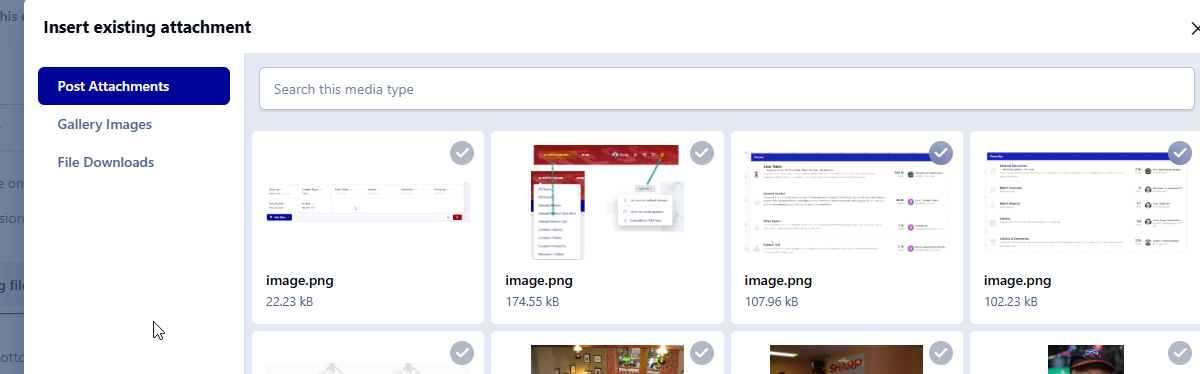
The first allows you to insert something you added elsewhere to save you uploading it again (and to save us using up so much space). As you can see in my case, it shows images I have previously uploaded in recent days and can also extend to images i added to the gallery and elsewhere.
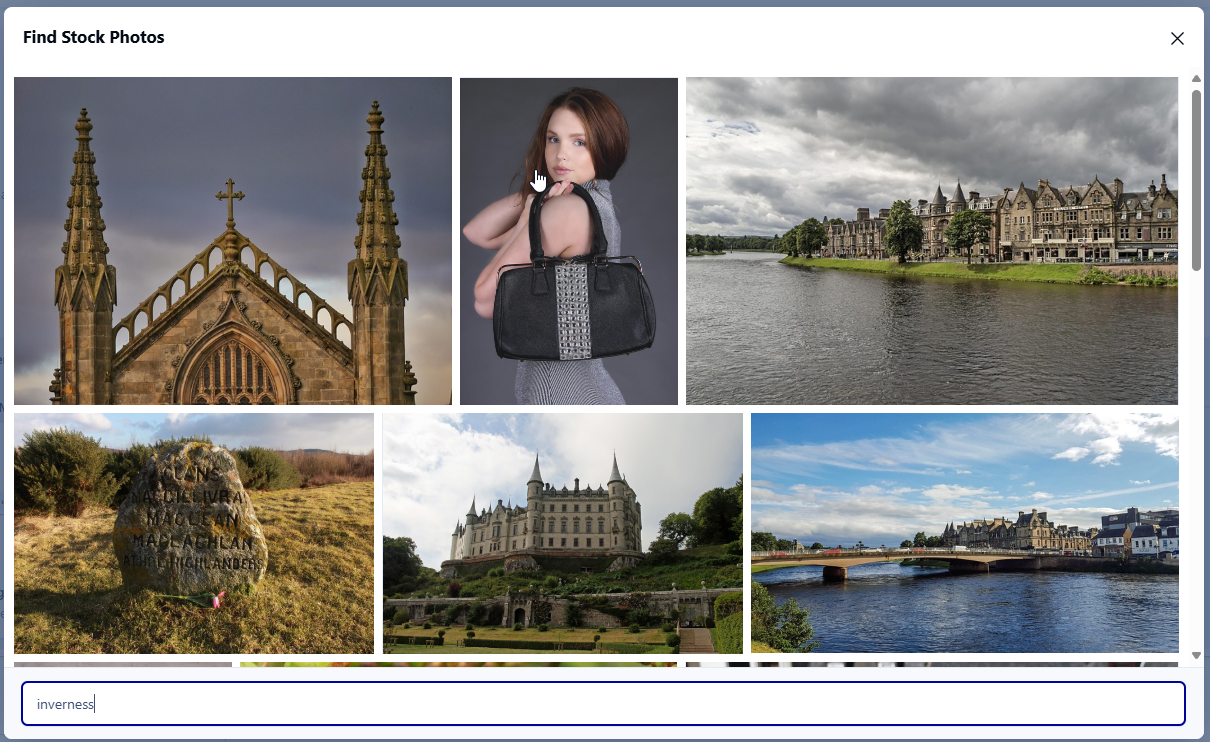
The second icon allows you to add stock images from Pixabay. These are royalty free images and you can search using keywords. Dont see much use for it in most threads, but it is available. We also dont have any control over what the keywords bring up as its an external service.
The editor itself has also changed from the last version and we will cover that in a future article, but there are a couple of image related items in there too ....
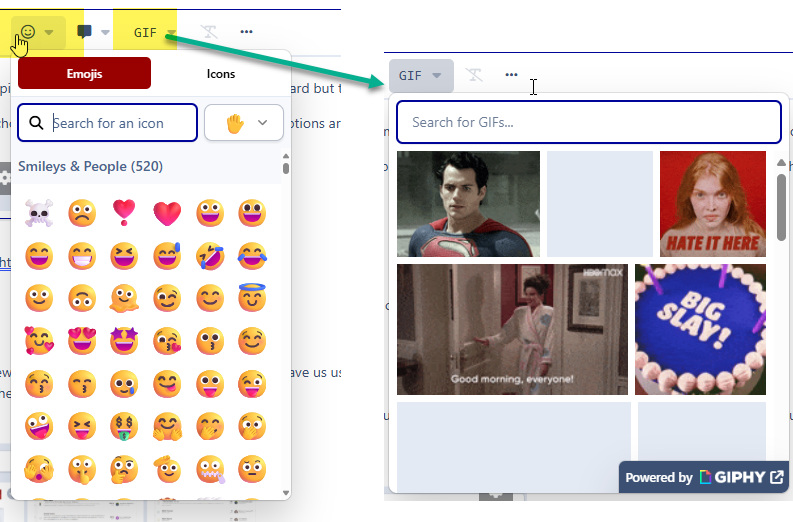
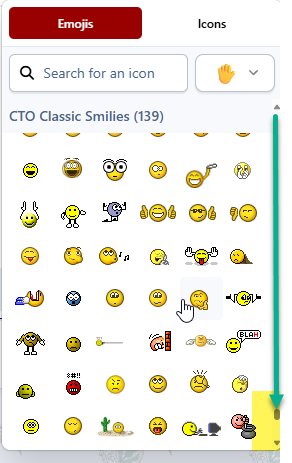
In the top part of the editor box, everyone will recognise the emoticon/smiley button and that functions pretty much as before with the addition of globally approved emoticons... I do have to go through and verify that the classic CTO emoticons are still all there but if not they will be restored! There is also a new image insertion tool called GIF which will allow you to insert an animated GIF from GIPHY. Again, we have no control over the search results so dont complain if you cant find something!
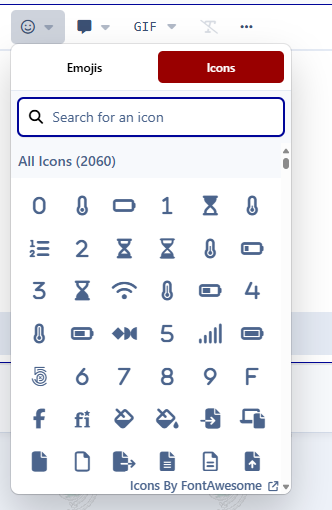
Edited to add ... You can also add FontAwesome icons from the Emoji list. Click icons instead of emojis and the full list of fontAwesome standard icons are there. Also checked that the classic CTO icons are there and they are. You just need to scroll all the way down to the bottom to find them (or know their name to bring them up in a search) 
Recommended Comments