



Leaderboard
-

CaleyD
+06: Site Sponsor2Points18,944Posts -

IBM
07: Moderators2Points6,765Posts -
Caley Braveheart
03: Full Members1Points1,967Posts -
Hearach
03: Full Members1Points1,116Posts



Popular Content
Showing content with the highest reputation on 02/24/2020 in Posts
-
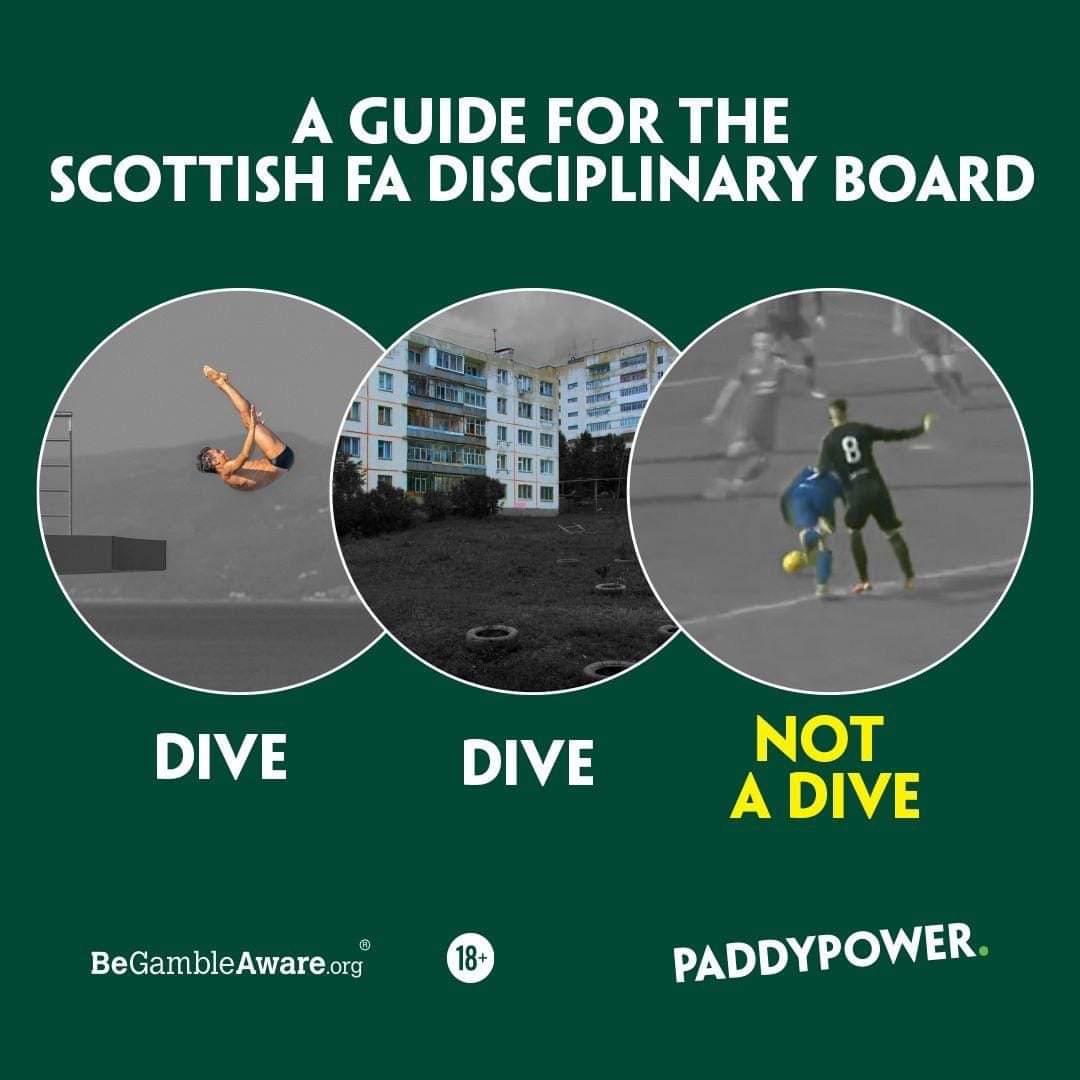
1 pointSorry have I missed something but I don’t think this has anything to do with hating Rangers. An incompetent referee made a totally incorrect decision and this was compounded by an incompetent SFA appointed panel who agreed with the referee. Nothing to do with who we were playing. Hopefully all will be well and justice will prevail.1 point
-
1 pointIt may also galvanise the squad and make them work together to get the best out of the rest of the season and give a two fingered salute to those in power.1 point
-
1 point1 point1 pointI wasn't convinced about this from a "practicality" perspective...i.e. it can seem like there's already more than enough time taken up doing the announcements in English during the short spell between fans arriving in the ground and kick-off without having to do them all twice...however, having been ably assisted by a young man named Daniel from the IRA yesterday, I'm of a mind that it brings nothing negative to the task whatsoever. In fact, I thoroughly enjoyed showing someone what's involved with being a matchday announcer, he really seemed to enjoy it and deserves huge kudos as it can be quite nerve racking to speak publicly (even when hidden away in a box). I don't think it's necessarily going to bring more people through the gate, but if it helps foster a friendship with even a small part of the community and get the club a little publicity then I don't see the harm. There is little doubt that the club have a lot of work to do when it comes to engaging with the wider fanbase/community, however we should try and encourage the club to do more to engage with more people...and not to do less just because what's being done doesn't involve us.1 pointThis leaderboard is set to London/GMT+01:00

Important Information
We have placed cookies on your device to help make this website better. You can adjust your cookie settings, otherwise we'll assume you're okay to continue. : Terms of Use : Guidelines : Privacy Policy