



Leaderboard
-
Huisdean
03: Full Members7Points953Posts -
tm4tj
08: Site Admin3Points18,024Posts -
Yngwie
07: Moderators2Points13,335Posts -
CaleyCanary
03: Full Members1Points2,441Posts




Popular Content
Showing content with the highest reputation on 05/08/2026 in Posts
-
Quite simply, those found to have damaged seats etc, should be named and shamed, with photographs etc. Too many young people, for they are not fans, think they can do anything they want in today's society and suffer no consequences as punishment seems to be frowned upon by the authorities. Rant over.7 points
-
CLUB STATEMENT WHAT SORT OF CRETINS DO THIS TO THEIR OWN CLUB Damage to Stadium Property In addition to the incidents involving supporters, the club also suffered considerable damage to seating within the North Stand. Repairing this damage will place an unnecessary financial burden on the club, with funds having to be diverted from other areas of the stadium and operational budget. These additional costs may impact future improvement projects and could reduce resources available to support the team ahead of the new season. READ FULL STATEMENT HERE Unfortunately, the beginning of the celebrations were overshadowed by the actions of a small number of individuals who chose to engage in physical altercations with visiting Hamilton Academical supporters, rather than celebrate this special occasion alongside the players and fellow supporters. Such behaviour has no place at our football club. The actions of these individuals have damaged the reputation of the club and may now result in the club being required to answer to the SPFL, with the possibility of significant sanctions and financial penalties being imposed.3 points
-
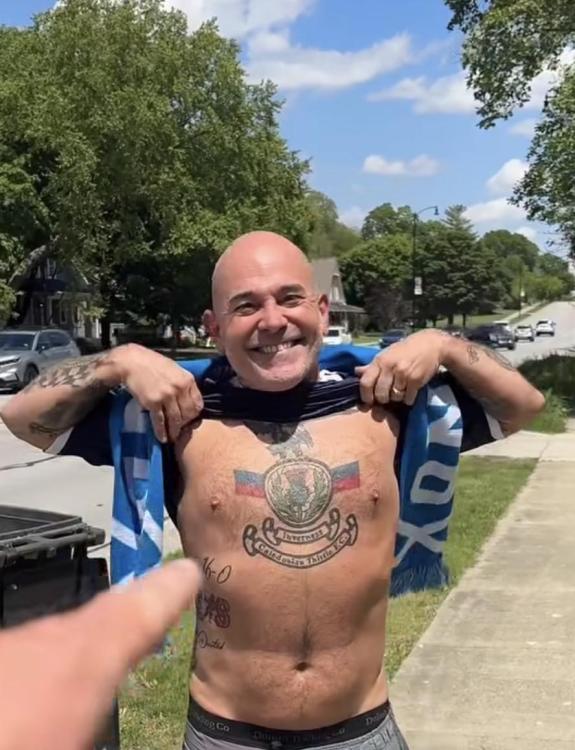
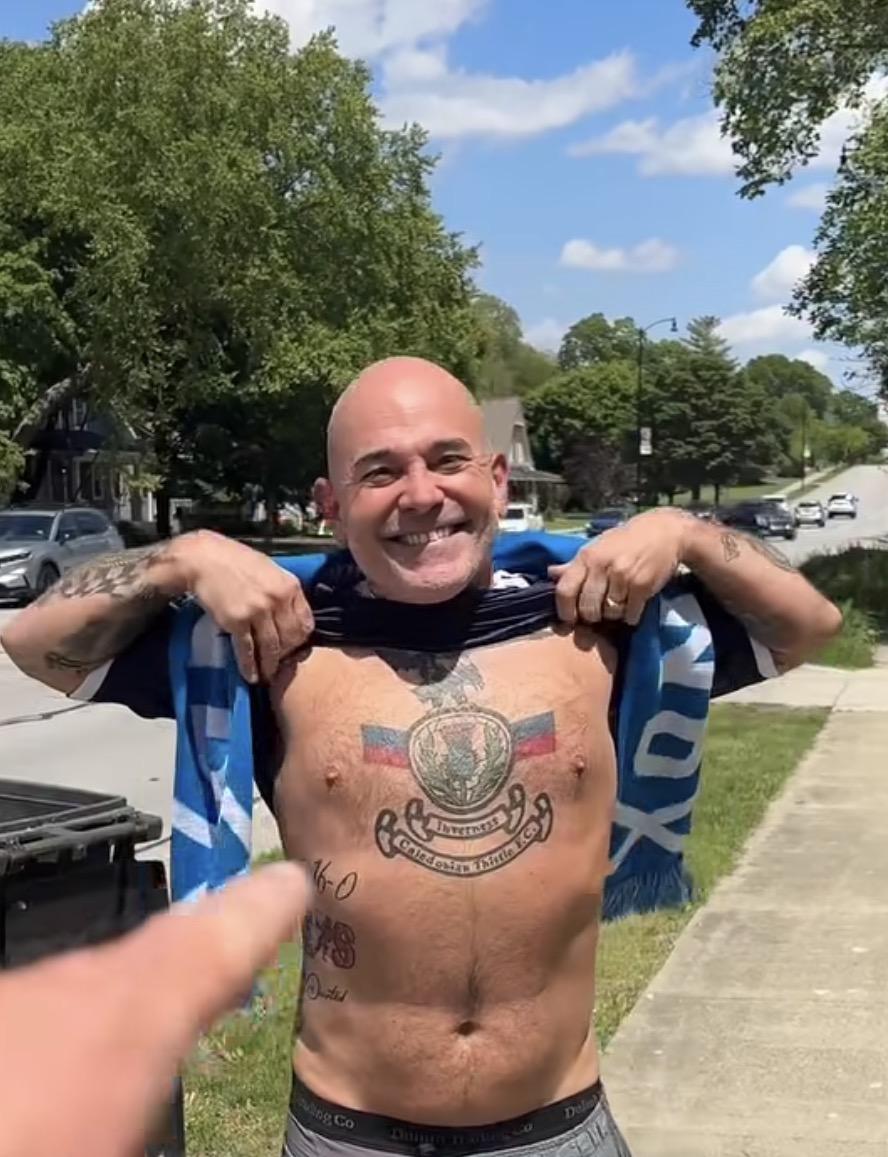
2 pointsI’m sure some of you will know that a Scotland fan has been walking across the USA. I see that in a town in Indiana he met a guy with a huge ICT tattoo on his chest! Hopefully link to the video works. https://www.facebook.com/reel/1923414121710772/?fs=e&s=TIeQ9V&fs=e&fs=e
 2 points
 -
1 point
-
0 pointsHopefully any talk of G.Shinnie returning can be nipped in the bud, he's well past it now.0 points

This leaderboard is set to London/GMT+01:00