
The Mantis
07: Moderators
-
Joined
-
Last visited
Everything posted by The Mantis
-
Got plenty 2002-3 you can have Brian. Maybe other stuff too. Will PM you.Forgot to say this one was great 👍👏Obviously he's living in your nostril.There used to be a GIF flying about, I thought it was di Caprio but I can’t find it. Anyway it was like me going into work the next day and everybody applauding 😂Dougie and I were parked at the Forge. Got spat at on the way back.They say you're just a C(o)unty troll anyway.Carson's from Morpeth Town.Hewden's plant hire or something like that. Here's one to keep the jaggies happy. Expect a Photoshop-inspired, pyroclastic-laden effort from Johndo at a later date 😉 Edit - maybe Howden's hired out their plants too...
.thumb.jpg.c3317a619d8f8de2d26fbc5b36494351.jpg) Construction of Caley Stadium, April 1996: March 1999:
Construction of Caley Stadium, April 1996: March 1999:(2).thumb.jpg.a381a0e27cd29d7a6ee073851c7813cf.jpg)
copy.thumb.jpg.30364a2b3963a39fcbd634dff58337ad.jpg) Couple of shots since we're on the subject: Telford Street Park in 1991: And in 1996 a few weeks before the move, ICT v Alloa
Couple of shots since we're on the subject: Telford Street Park in 1991: And in 1996 a few weeks before the move, ICT v Alloa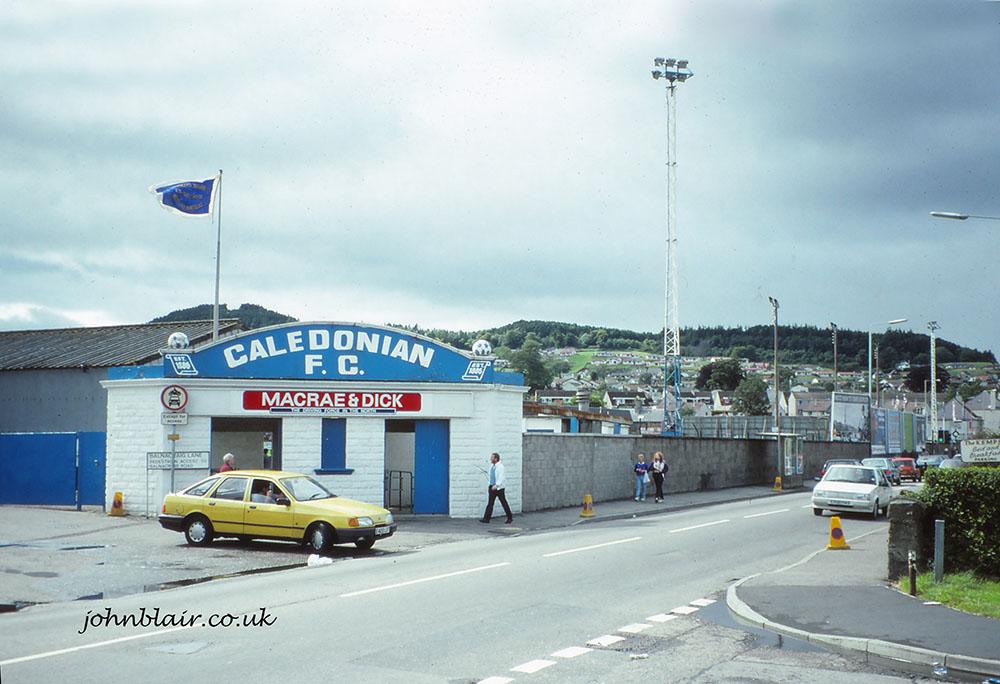
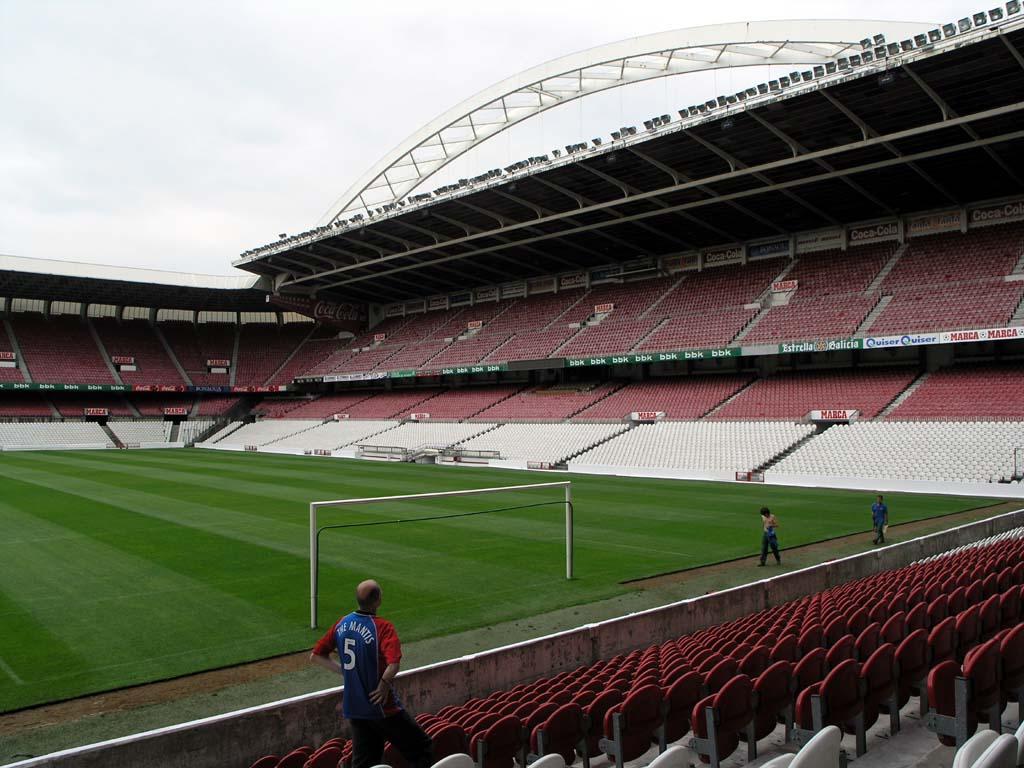
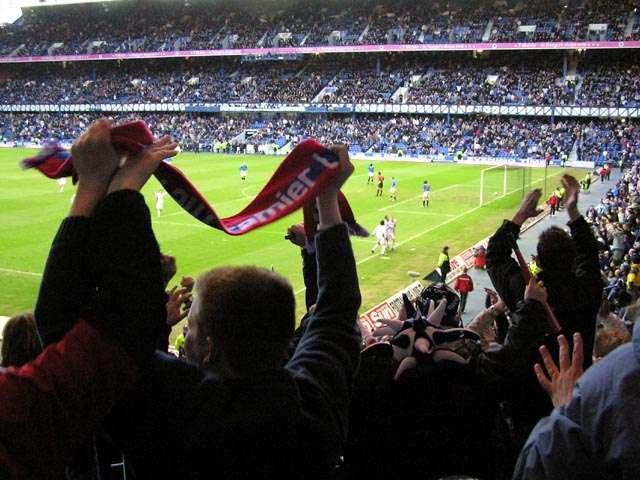
.thumb.jpg.e4d42c1ca5aa48edec5fce03c1f068c8.jpg) Haha never match that Davie, but here's Bilbao on my 50th birthday 😎 The old San Mames, now demolished I believe.
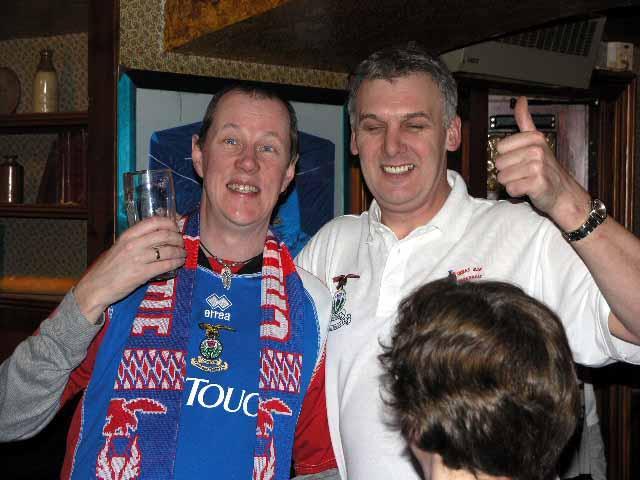
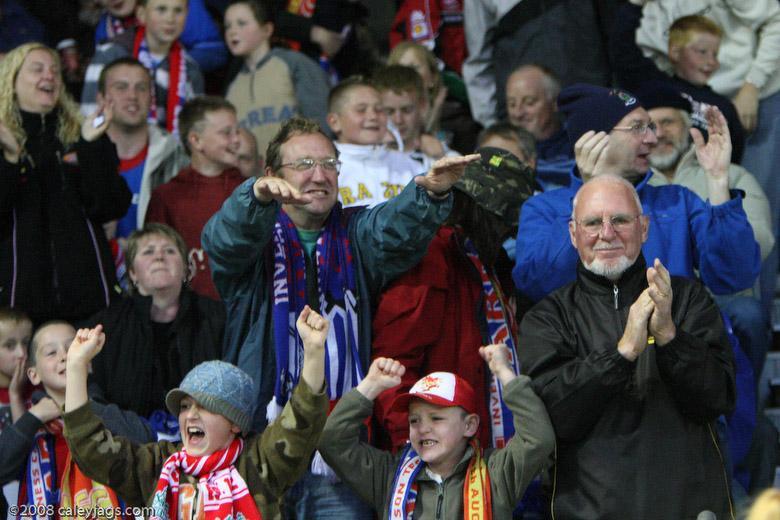
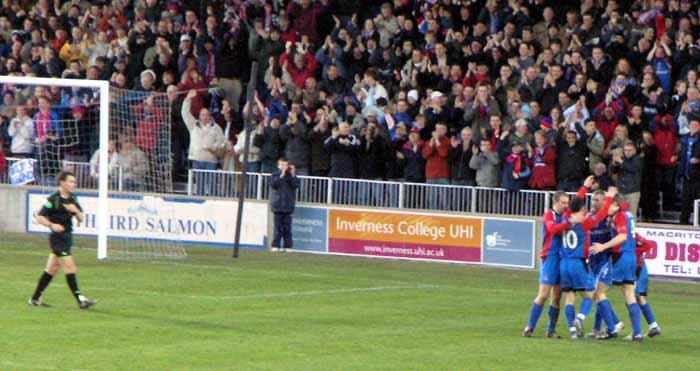
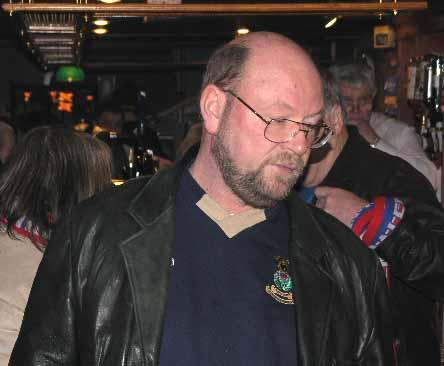
Haha never match that Davie, but here's Bilbao on my 50th birthday 😎 The old San Mames, now demolished I believe.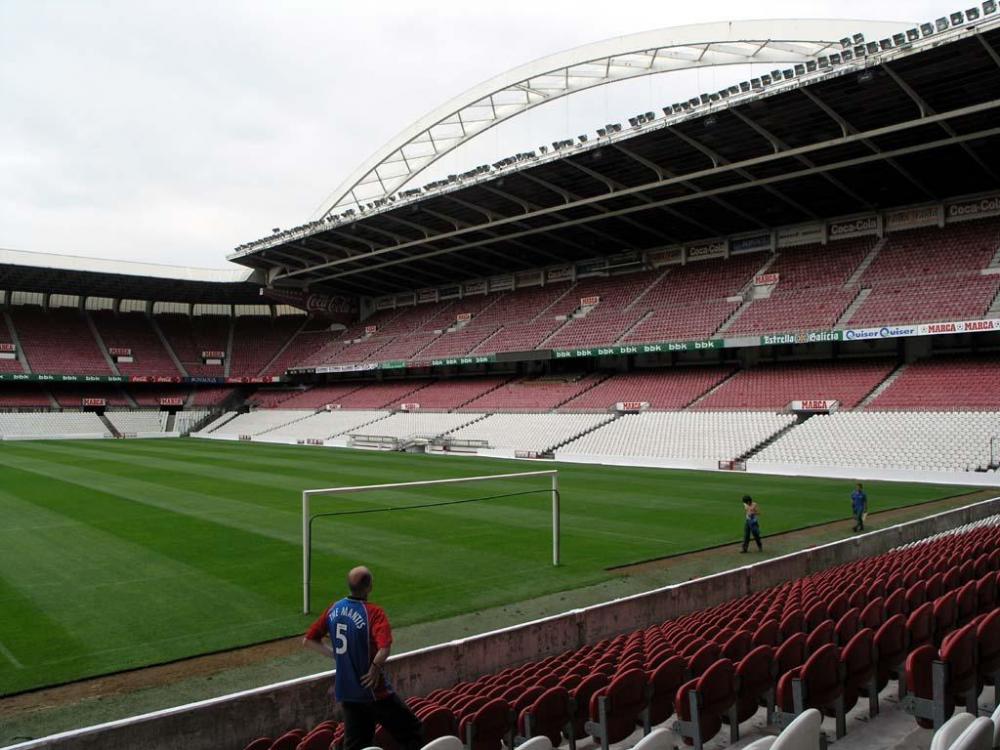 @tm4tj by Jove there's Colin... is he still on the go?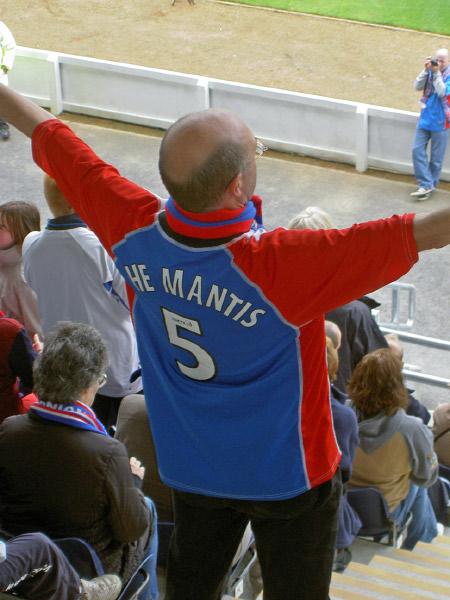
Important Information
We have placed cookies on your device to help make this website better. You can adjust your cookie settings, otherwise we'll assume you're okay to continue. : Terms of Use : Guidelines : Privacy Policy
Account
Navigation
Search
Configure browser push notifications
Chrome (Android)
- Tap the lock icon next to the address bar.
- Tap Permissions → Notifications.
- Adjust your preference.
Chrome (Desktop)
- Click the padlock icon in the address bar.
- Select Site settings.
- Find Notifications and adjust your preference.
Safari (iOS 16.4+)
- Ensure the site is installed via Add to Home Screen.
- Open Settings App → Notifications.
- Find your app name and adjust your preference.
Safari (macOS)
- Go to Safari → Preferences.
- Click the Websites tab.
- Select Notifications in the sidebar.
- Find this website and adjust your preference.
Edge (Android)
- Tap the lock icon next to the address bar.
- Tap Permissions.
- Find Notifications and adjust your preference.
Edge (Desktop)
- Click the padlock icon in the address bar.
- Click Permissions for this site.
- Find Notifications and adjust your preference.
Firefox (Android)
- Go to Settings → Site permissions.
- Tap Notifications.
- Find this site in the list and adjust your preference.
Firefox (Desktop)
- Open Firefox Settings.
- Search for Notifications.
- Find this site in the list and adjust your preference.










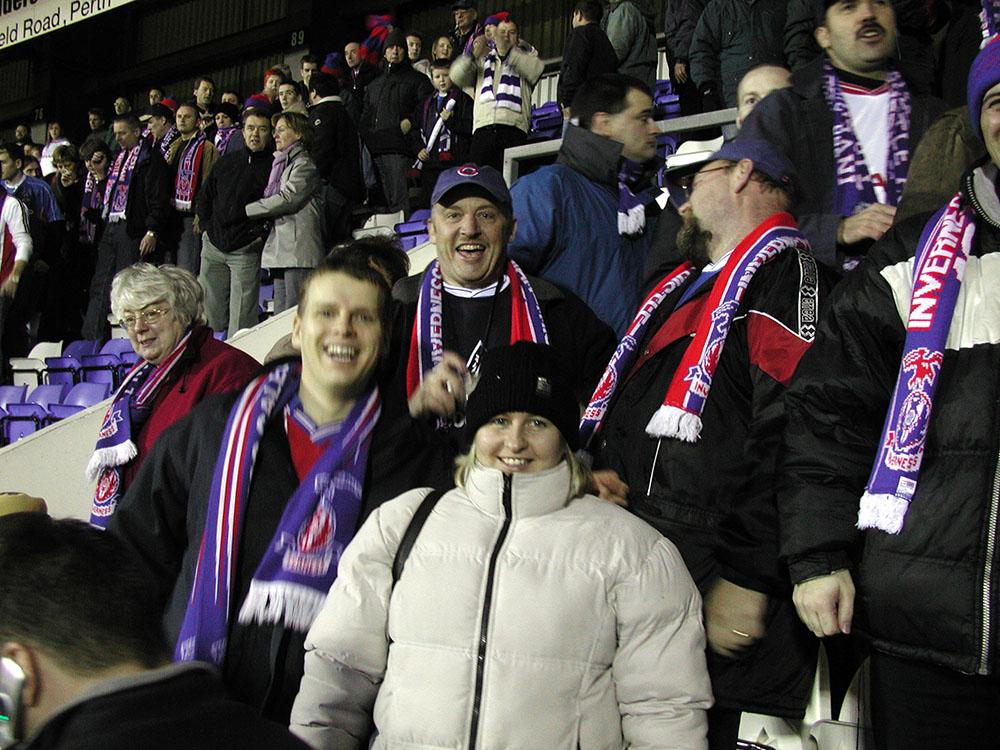
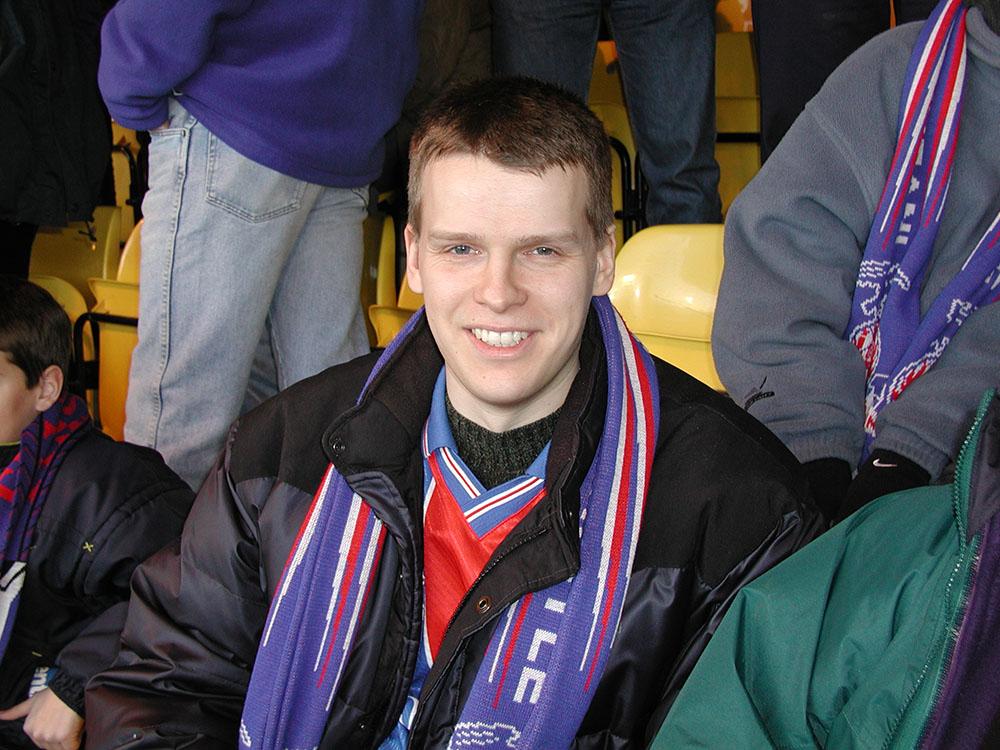
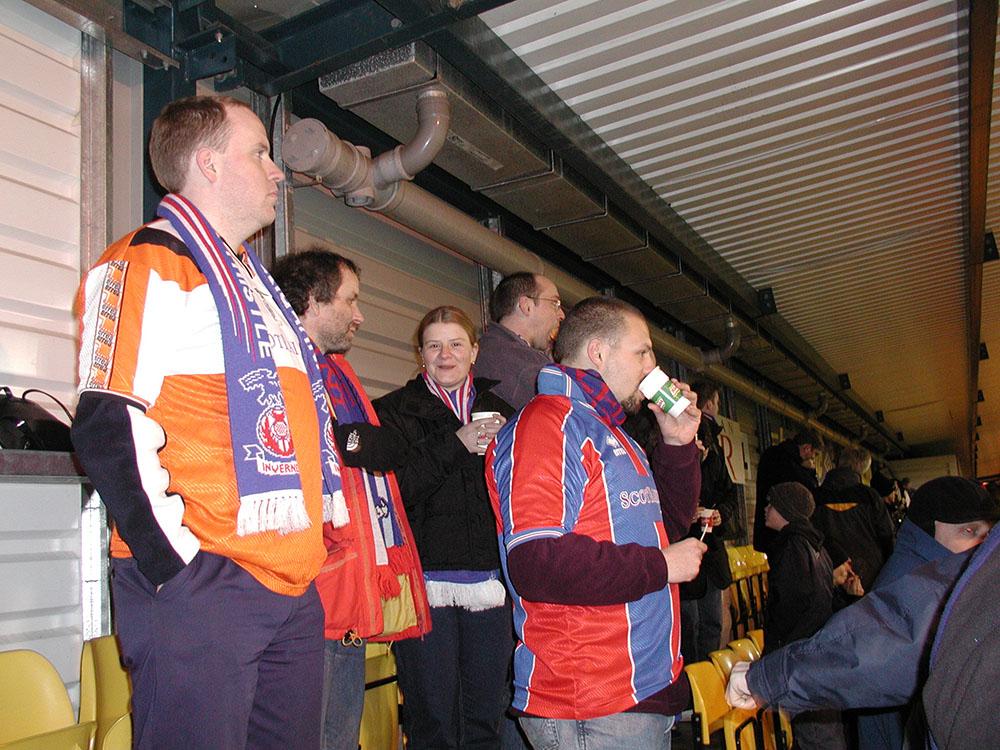
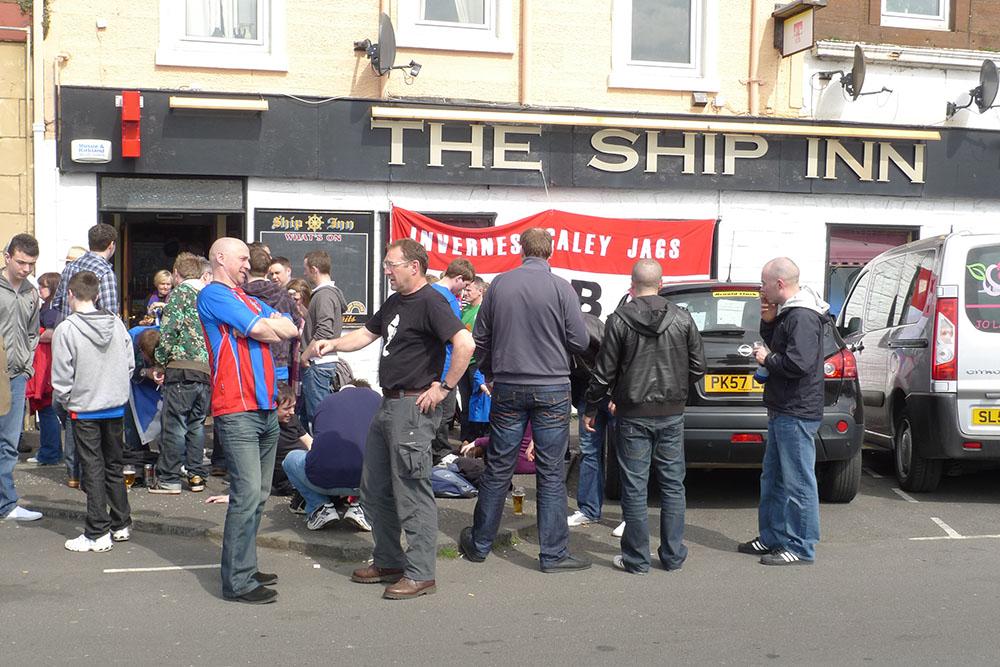
.jpg.a193d75668bbe2724ee091d0119336db.jpg)
(2).jpg.da394ba718a5be7bd65be1793cd435da.jpg)
copy.jpg.1b69e53def7aa51300e51f0e2d79a275.jpg)
.jpg.4f6e41cf0105d456468dd9dab5d0d3b3.jpg)