
The Mantis
07: Moderators
-
Joined
-
Last visited
Everything posted by The Mantis
-
I can remember every minute anyway 😎
-
Inverness Courier View: My tuppenceworth: http://www.caledonianfc.co.uk/finalseason.htm
 It's certainly open to debate in a sort of 'if your aunty had baws' kind of stylee, including the disallowed goal, and conceding before the second half had really started. But I saw the game and the highlights so no thanks to sitting through all that again.Keep them coming. Fleetwood, Hibs 2006, Hampden 2004.

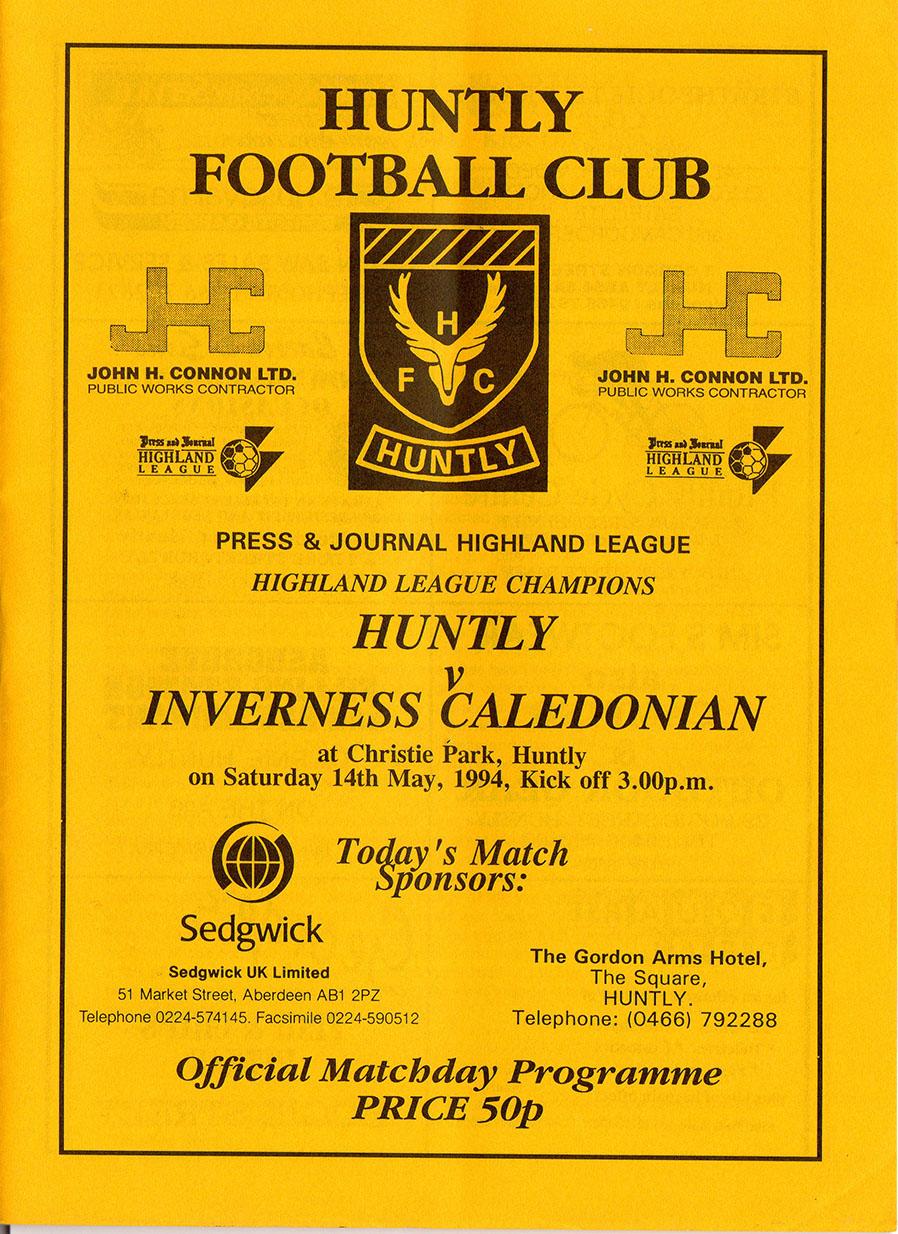
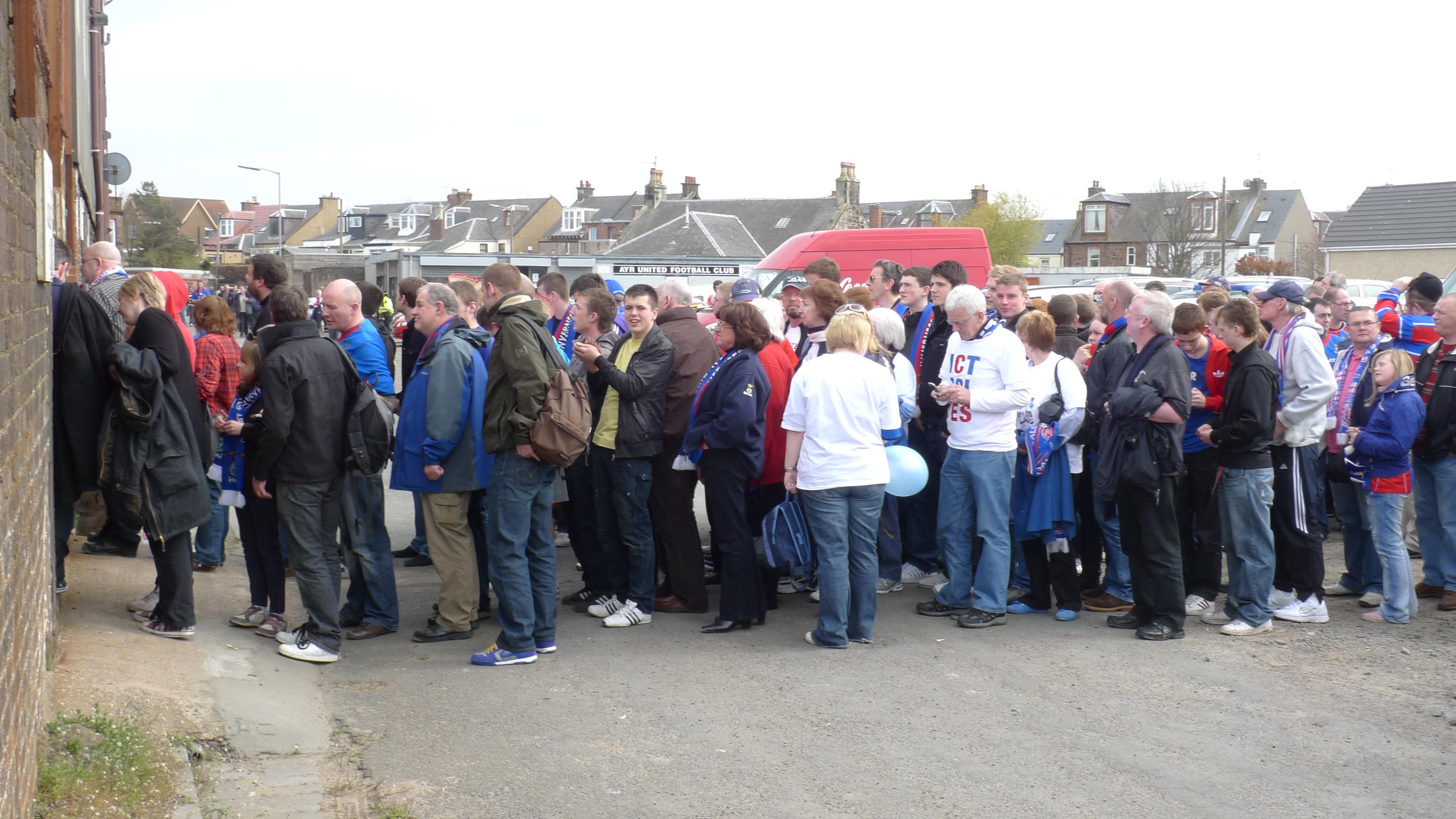
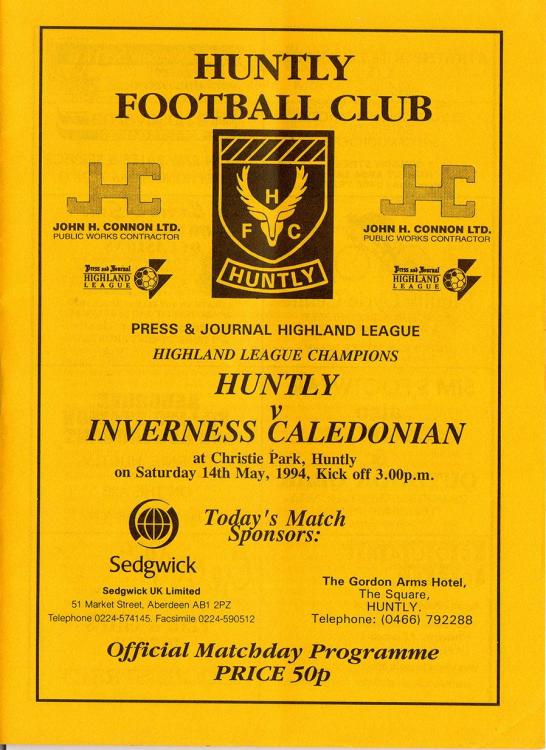
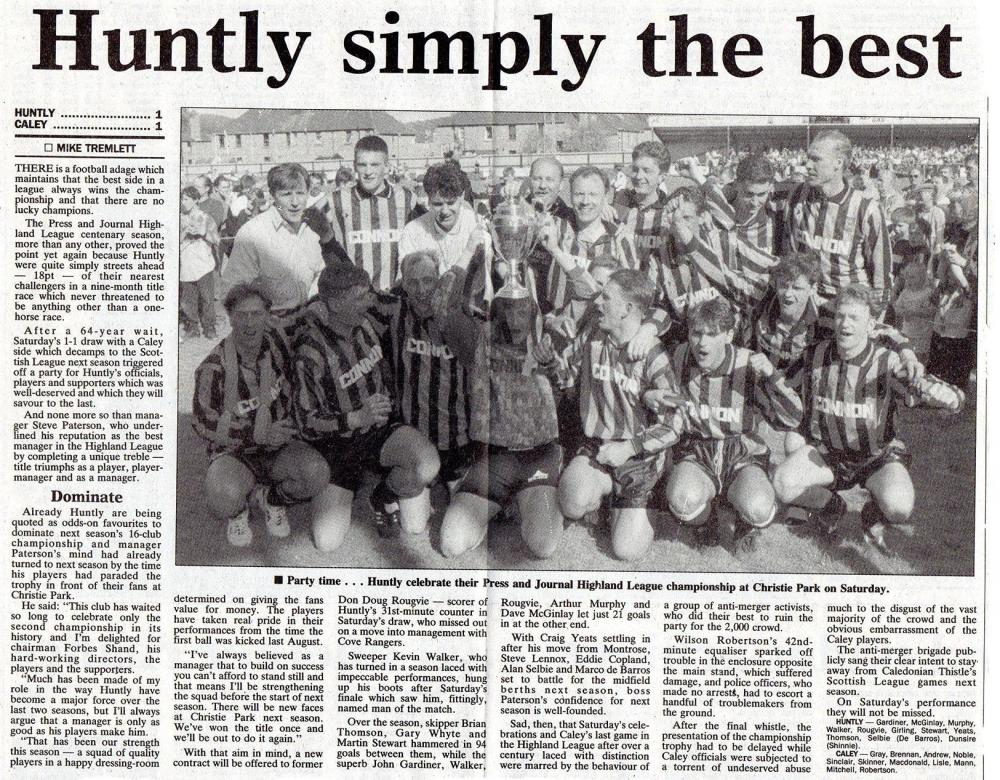
 @caley100 Is that the Caley Inn?That was my first game at the stadium, missed the first one the week before v Albion Rovers who scored the first ever goal before the equaliser came from... yes, Iain Stewart.I’d love to see Stewartie lobbing Hutchison at the away end, the first away derby that season when we won 3-1. I doubt if it was on telly though.The first one? Motherwell in the Cup. The other is a page from a programme when we played at Pittodrie.Just one? I've got hunners 😉
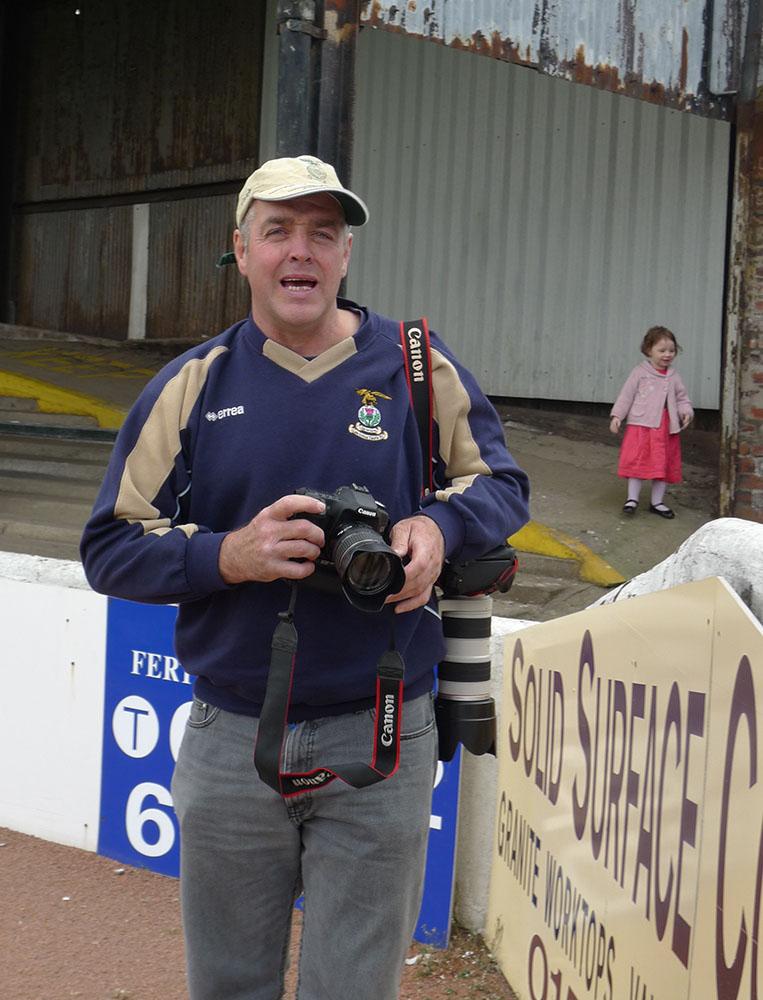
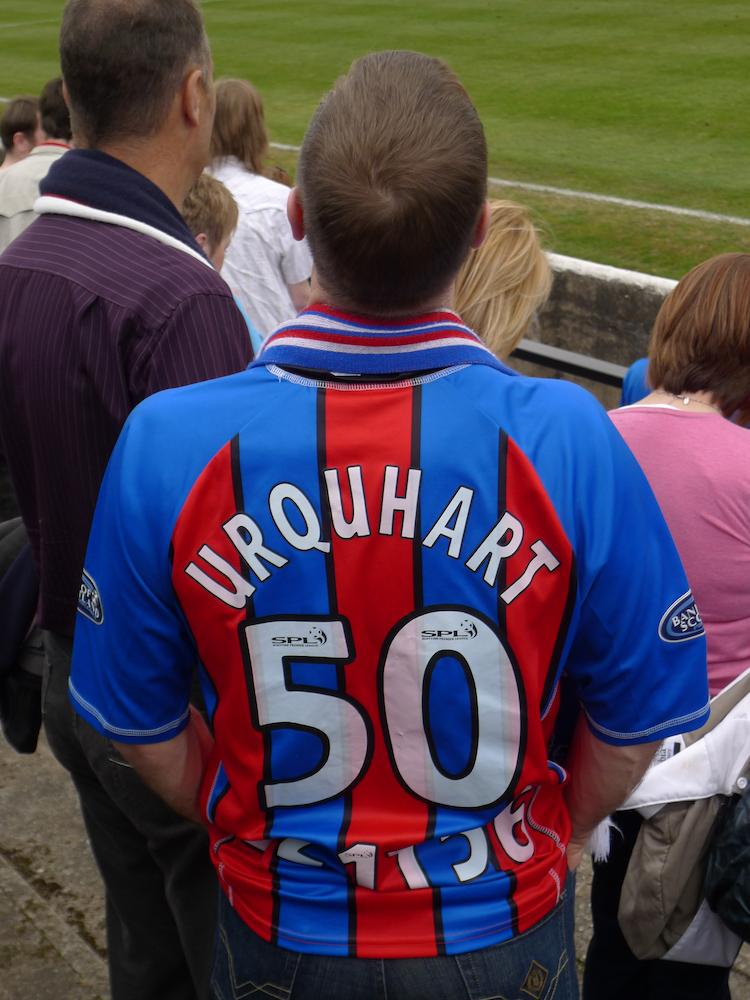
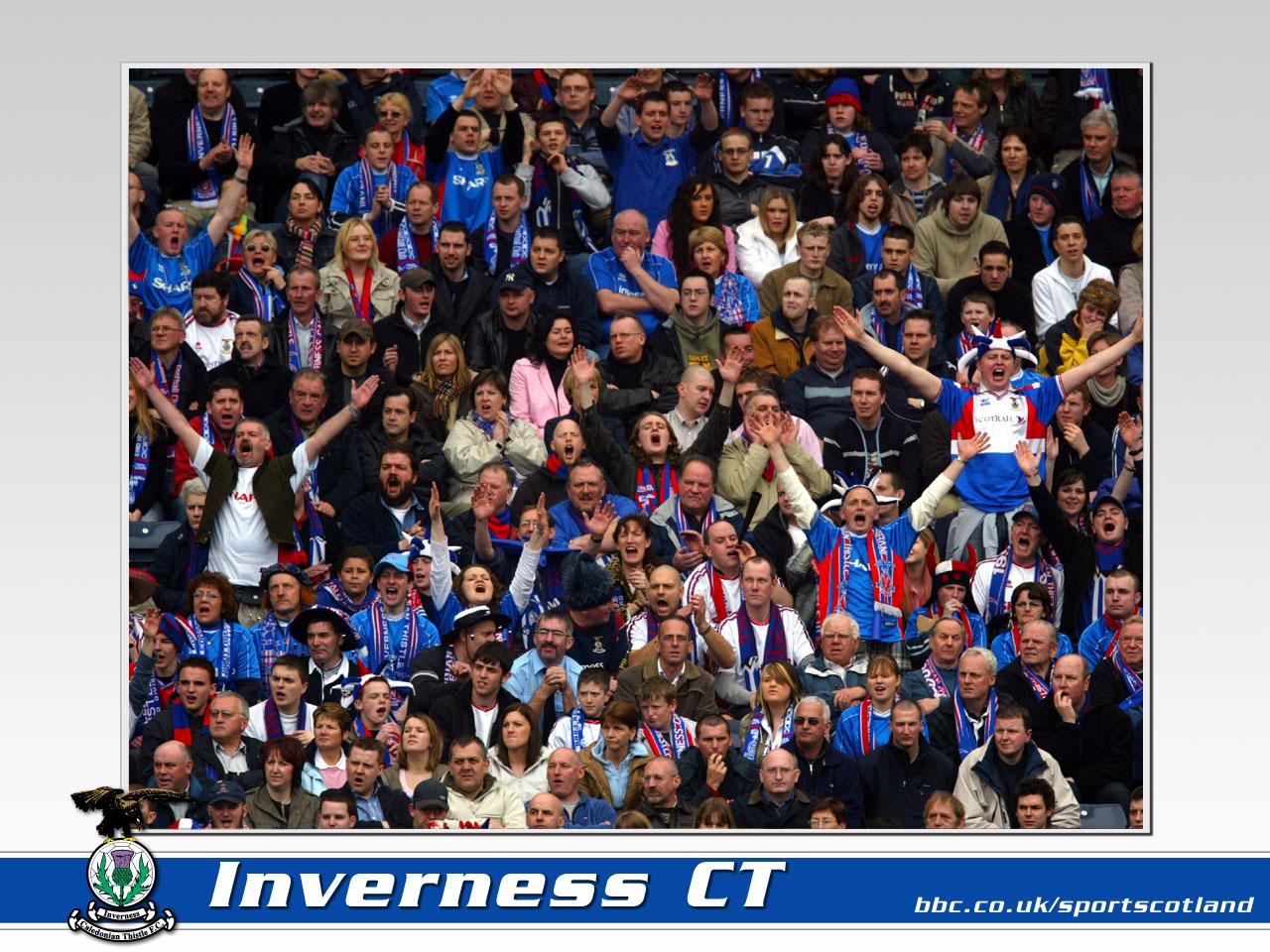
 Found this one while searching for a fan photo for Johndo... .
 Big Jordan will give you a sub.
Important Information
We have placed cookies on your device to help make this website better. You can adjust your cookie settings, otherwise we'll assume you're okay to continue. : Terms of Use : Guidelines : Privacy Policy
Account
Navigation
Search
Configure browser push notifications
Chrome (Android)
- Tap the lock icon next to the address bar.
- Tap Permissions → Notifications.
- Adjust your preference.
Chrome (Desktop)
- Click the padlock icon in the address bar.
- Select Site settings.
- Find Notifications and adjust your preference.
Safari (iOS 16.4+)
- Ensure the site is installed via Add to Home Screen.
- Open Settings App → Notifications.
- Find your app name and adjust your preference.
Safari (macOS)
- Go to Safari → Preferences.
- Click the Websites tab.
- Select Notifications in the sidebar.
- Find this website and adjust your preference.
Edge (Android)
- Tap the lock icon next to the address bar.
- Tap Permissions.
- Find Notifications and adjust your preference.
Edge (Desktop)
- Click the padlock icon in the address bar.
- Click Permissions for this site.
- Find Notifications and adjust your preference.
Firefox (Android)
- Go to Settings → Site permissions.
- Tap Notifications.
- Find this site in the list and adjust your preference.
Firefox (Desktop)
- Open Firefox Settings.
- Search for Notifications.
- Find this site in the list and adjust your preference.